
Upload your photo
Choose a clear image where the person and clothing area are visible. Good lighting and a natural pose usually give the AI more useful visual information.
AI outfit preview
THRIMA lets you upload a photo, choose an available fashion preset, and generate a new outfit preview with AI. It is a simple browser-based way to explore different looks without manually editing clothing in your photo.
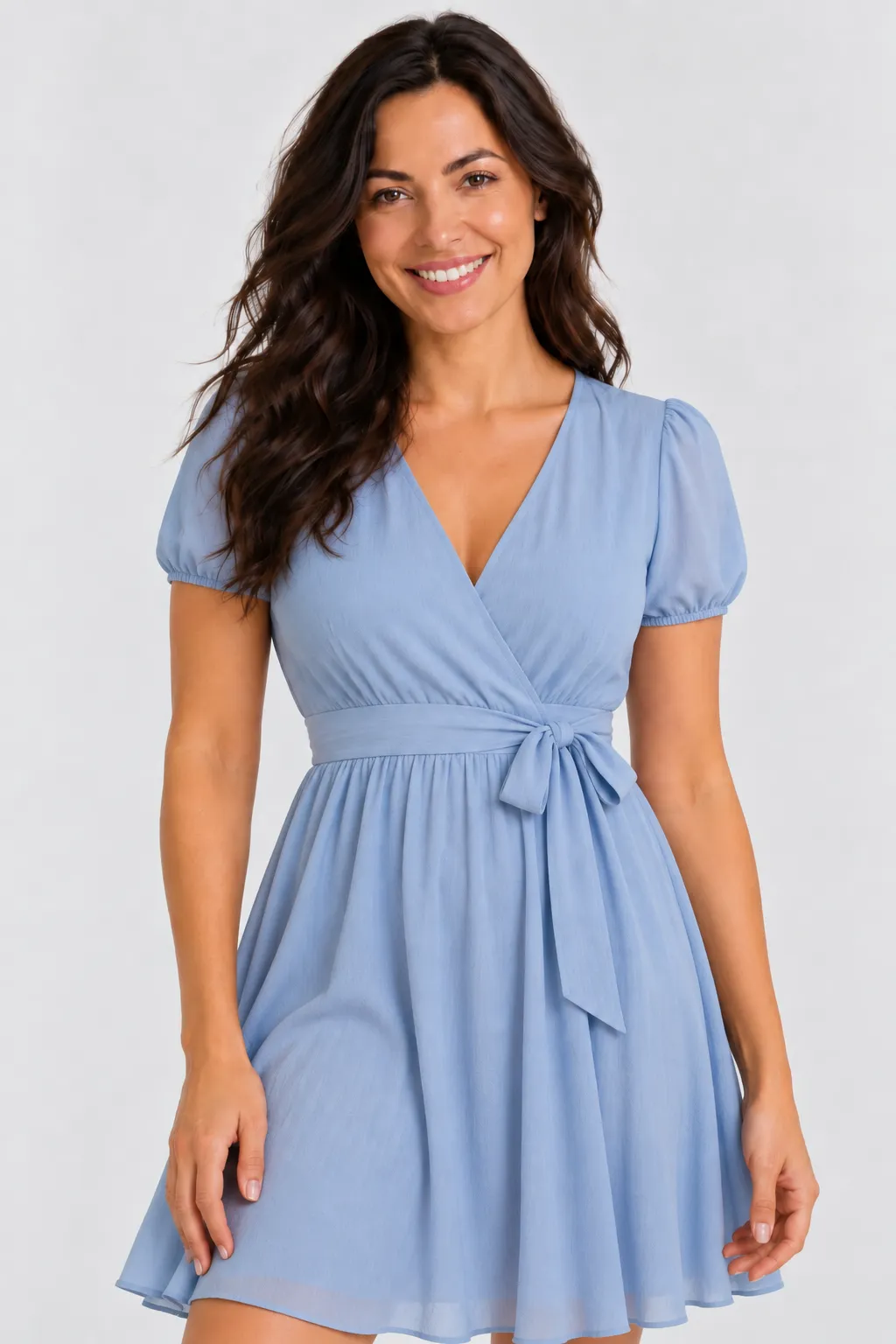
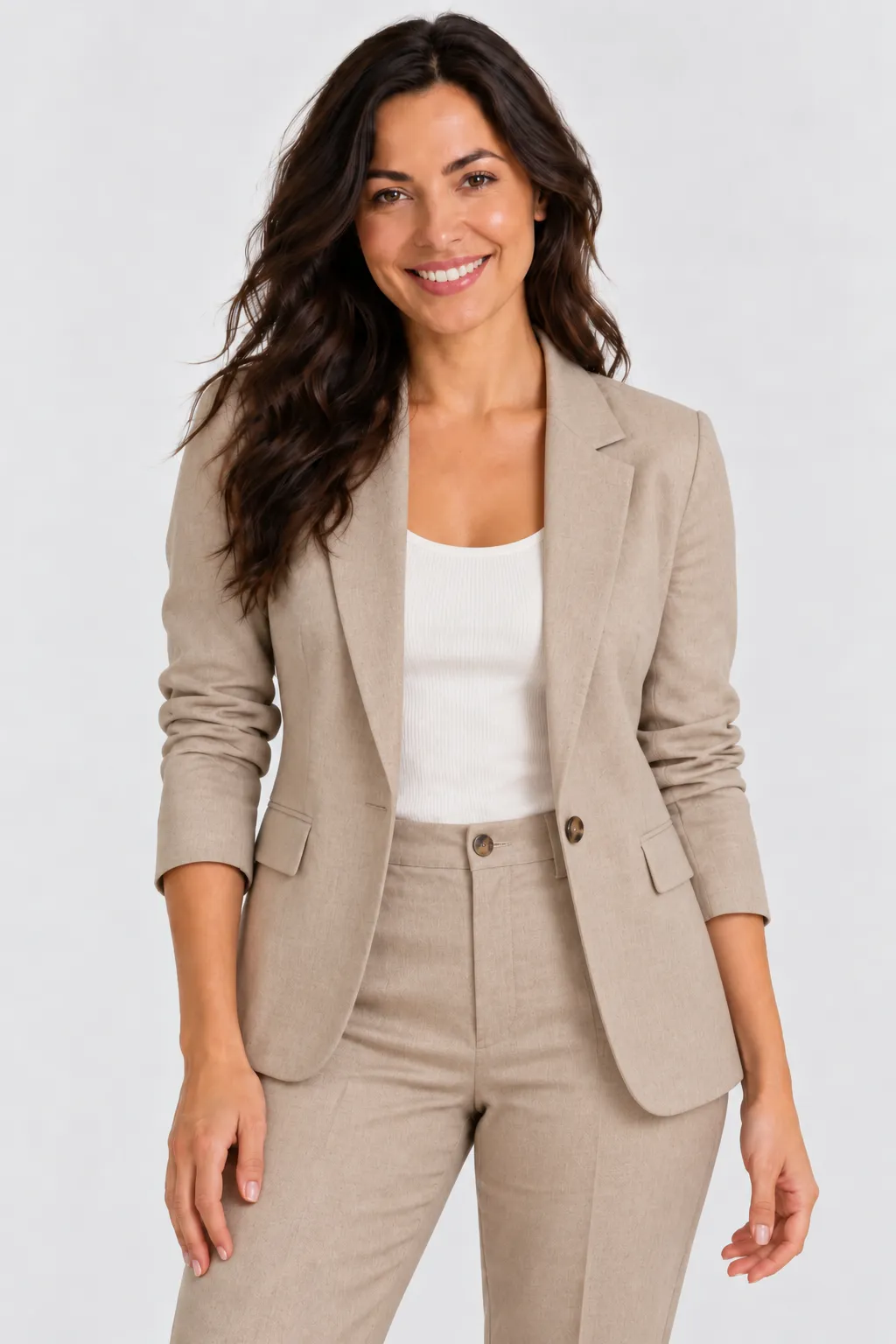
THRIMA uses a guided preset workflow. You do not need image-editing skills or a design program. The goal is to make outfit exploration quick while keeping the person and overall scene recognizable.
Choose a clear image where the person and clothing area are visible. Good lighting and a natural pose usually give the AI more useful visual information.
Choose from the fashion styles currently available in THRIMA, such as casual looks, suits, dresses, activewear, swimwear, and other presets.
The AI creates a new image with the selected style while aiming to preserve the original face, pose, body shape, background, and composition.
AI image generation can vary from one photo to another. Starting with a suitable source image makes it easier for the system to understand the person, clothing area, and scene.
The selected clothing style is the main visual change. THRIMA aims to keep the original person's identity, pose, skin tone, body shape, camera angle, lighting, and background consistent. Because the result is AI-generated, exact preservation is not guaranteed and outputs should be treated as visual previews.
This makes the tool useful for exploring style ideas and seeing how different fashion categories may look in the same photo. It is not a body-measurement system and does not guarantee real-world garment fit, sizing, fabric behavior, or product accuracy.
Yes. THRIMA runs in the browser. After signing in, you can upload a suitable photo, choose an available fashion preset, and generate an AI outfit preview.
No. The workflow is designed around uploading a photo, selecting a style, and generating the result rather than manually masking or editing clothing.
Only use images you own or have the necessary permission and legal authority to edit. THRIMA's Terms also prohibit abusive, deceptive, exploitative, or non-consensual use.
No. The generated image is a visual style preview, not a sizing or measurement tool. Real clothing can fit, drape, or look different.
The available preset library can include casual outfits, suits, dresses, activewear, swimwear, and other fashion styles, with the selection changing as the service evolves.
Create a THRIMA account, upload a photo you have permission to use, choose a style, and generate your AI virtual try-on.
Start with THRIMA